Zone 1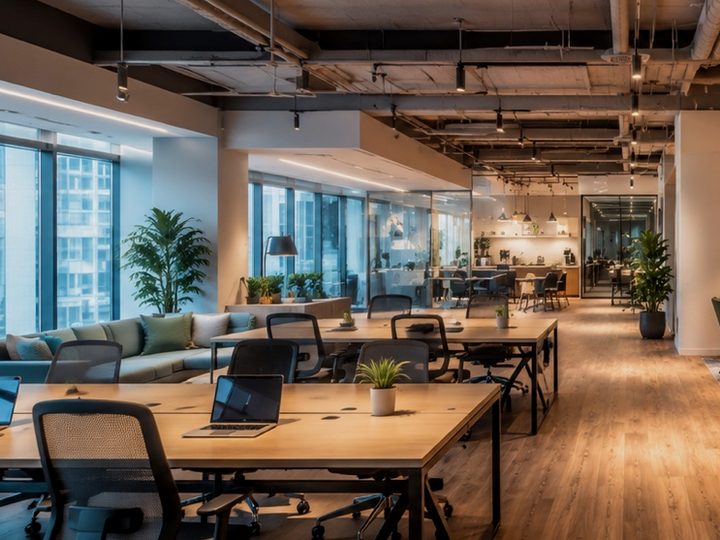 2 seats free
2 seats freeOpen floor
4 € / hour
Seat rentalHour passes
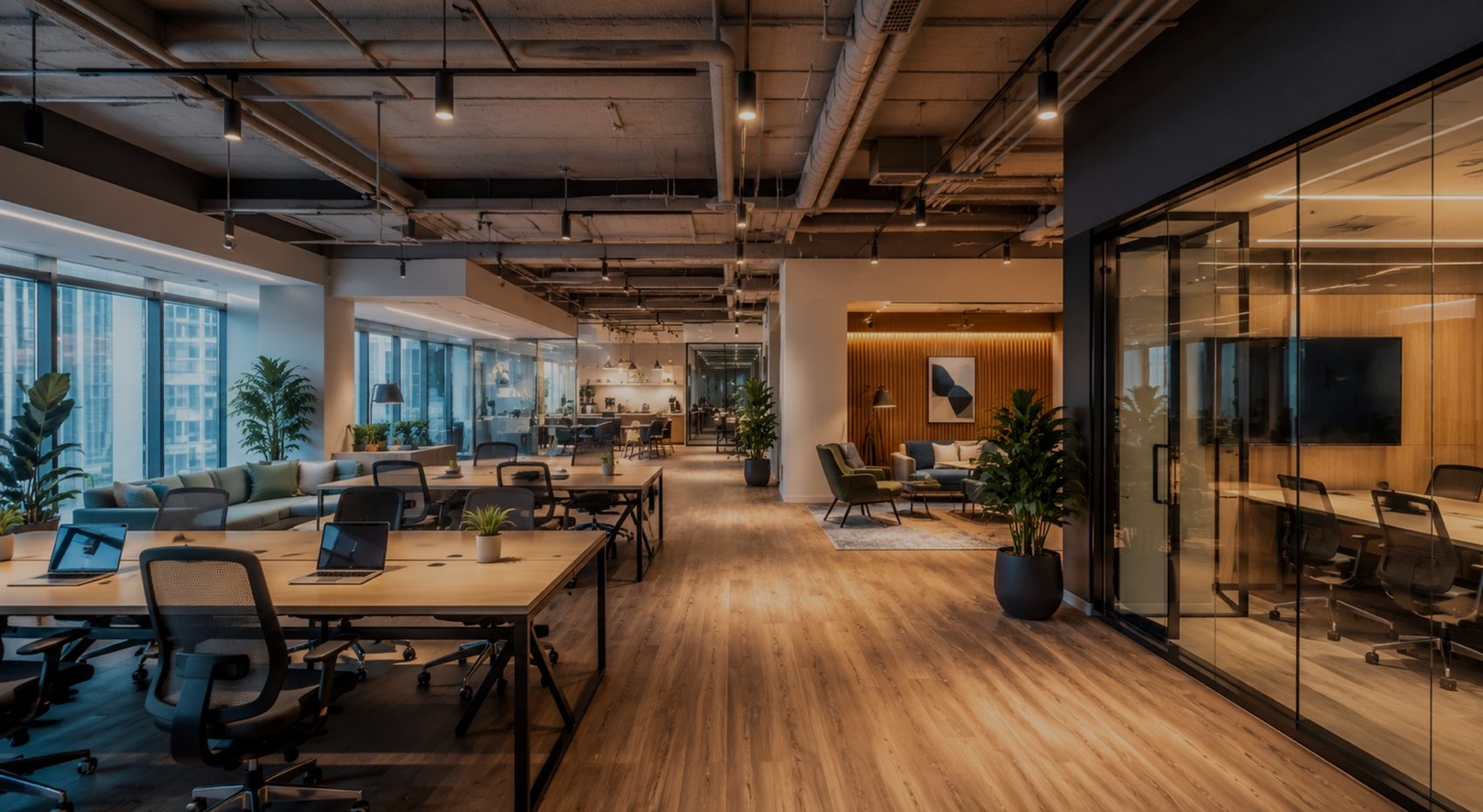
Open floor, meeting room, cabinet, a chair in a beauty-coworking — to the platform it's all the same: a zone, seats inside it and an hourly prepaid schedule.
Free to start · 0% commission on bookings
commission on bookings. Payment goes straight to your account; the platform keeps none of it.
seat is the smallest unit of rental. Not only the whole hall, but a desk, cabinet or chair.
code access: a resident walks in at seven in the morning and eleven at night without a receptionist.
What the platform takes off your hands
Seat occupancy, settlements with regular residents and building access. One mechanic for an office coworking and for chair rental in a beauty space.
A space splits into zones, a zone into seats: desks, cabinets, chairs, stations. You can rent a whole zone to a team, or a single seat for a day.
Floor plan: some seats booked all day, some for half a day, a few free, one closed for maintenance.
A bundle of hours for the zones and seats you choose: paid once, then every booking deducts hours on its own. A cancellation returns them to the pass rather than burning them.
19 hours left · covers the open floor and the meeting room
A hairdresser's chair and a desk by the window rent the same way: the same schedule, the same hour passes, the same code access. The only difference is the zone names and who rents them.
Showcase
One account — as many zones as you like. Each has its own page, its own calendar, its own price and its own amenities. Booked time disappears from the listing at once.
2 seats free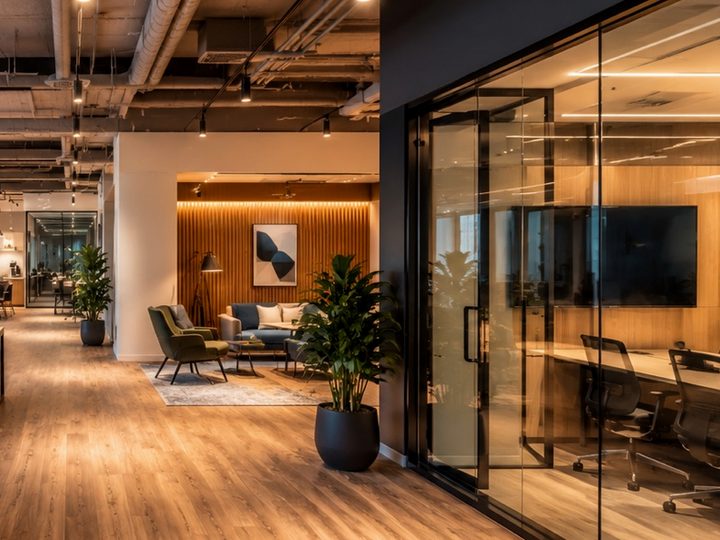 Free from 15:00
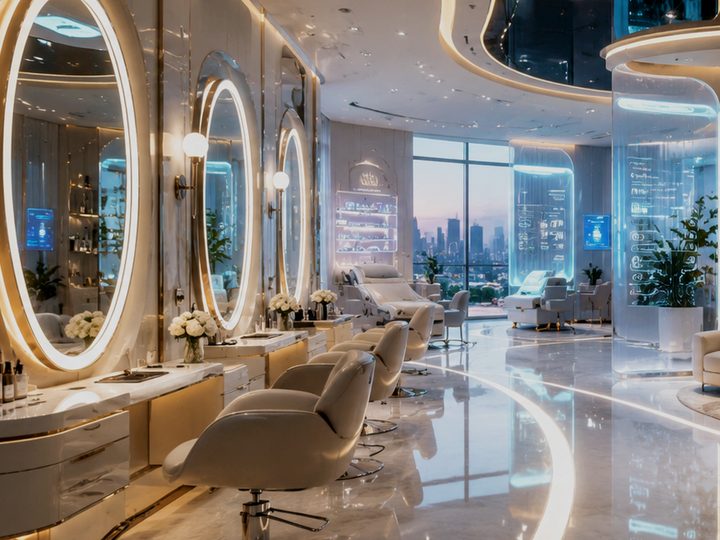 Booked until 18:00
The space's routine
Your own price for morning, evening, weekends and specific dates. A priority rule overrides the base one automatically.
Wi-Fi, parking, kitchen, meeting room, shower. Marked on the venue as a whole or a specific zone — and they work in search.
Only someone who actually worked at your place can leave a review. The rating recalculates itself.
Revenue by day and month, which zones go first, which residents come back.
New booking, payment, cancellation, reschedule, pass purchase — instantly to the app and by email.
A booking moves to another time or seat, the price recalculates by the new date's rate, the difference is refunded on its own.
Access
The space earns exactly in the hours when no one is at the desk. The route, entrance and parking are visible to everyone. The door code, Wi-Fi password and locker number open only after a confirmed payment.
Active booking access valid 09:00 — 18:00
Before and after
| Process | Usually | With BeShare |
|---|---|---|
| Seat occupancy | A spreadsheet kept by an admin | The floor plan updates the moment payment lands |
| Booking | Messages and "let me just check if it's free" | The resident takes a seat in the calendar themselves, around the clock |
| Regular residents | Marks in a table, arguments over remaining hours | The hour pass deducts and refunds itself |
| Price | One price list for all seats and hours | Its own price per seat, its own rate for peak and weekends |
| Early and late entry | Someone opens and closes the building | Code and Wi-Fi open after payment |
| Several venues | A separate table for each | One account, shared analytics, separate prices |
| Money | Cash and transfers, reconciled by hand | Straight to your account, 0% commission on bookings |
Money
Payment goes straight to your account. BeShare doesn't step into the money chain and keeps no percentage — neither on a one-off booking nor on a pass.
A flat platform fee instead of a cut of revenue. Fill the hall twice as densely — you pay the same.
Profile and setup are free. You can leave any time; your booking history and resident base stay yours.
Launch
Zones and the seats inside them, working hours, amenities, photos. Registration and profile are free.
Seat and zone price, peak surcharge, hour passes and what they cover, cancellation rules, access codes.
The space appears in search, a booking is paid online, the resident enters by code.
Questions
Zero. Payment goes straight to your connected account — the platform doesn't step into the money chain and keeps no percentage of revenue. BeShare earns from the subscription.
Yes, there are three modes: whole zone only, seats inside only, and flexible — where both are available. The platform makes sure bookings don't overlap and removes a taken seat from the listing.
No. It's a bundle of hours paid up front in a single payment. You set how many hours it holds, what it costs and which zones and seats it covers; a zone covers its seats automatically. Hours are deducted on booking and returned on cancellation.
The same. A chair, a manicure station and a cabinet are seats inside a zone; they're booked and paid for like desks in an office coworking. The difference is that a master who rents a chair also runs their own client bookings in it — that contour stays theirs.
The route, a photo of the entrance and parking are visible to everyone on the page. The door code, intercom, Wi-Fi password and locker number show only for a confirmed, paid booking — and stop being available after a cancellation.
No. Venues live under one account: each has its own zones, prices and access codes, while revenue and occupancy roll up into shared analytics. An hour pass then attaches to the zones you include in it — across different sites too.
Add zones and seats, set prices and hour passes. The first booking could arrive by morning — without you.
Free to start · 0% commission on bookings · Leave any time
The numbers, venue names and occupancy are for demonstration.